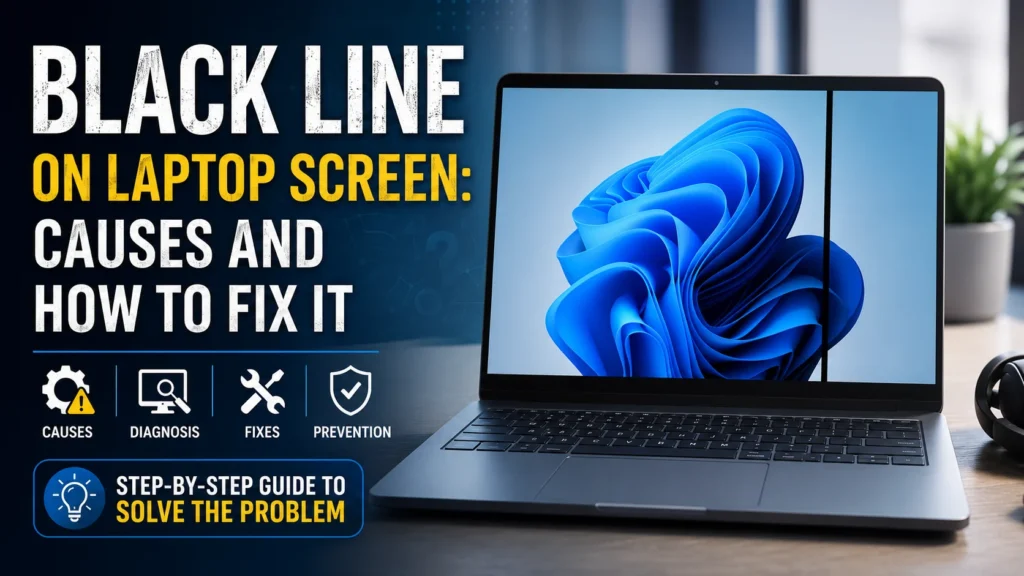
Blue Patch on Mobile Screen Suddenly Appeared? Try These Fixes
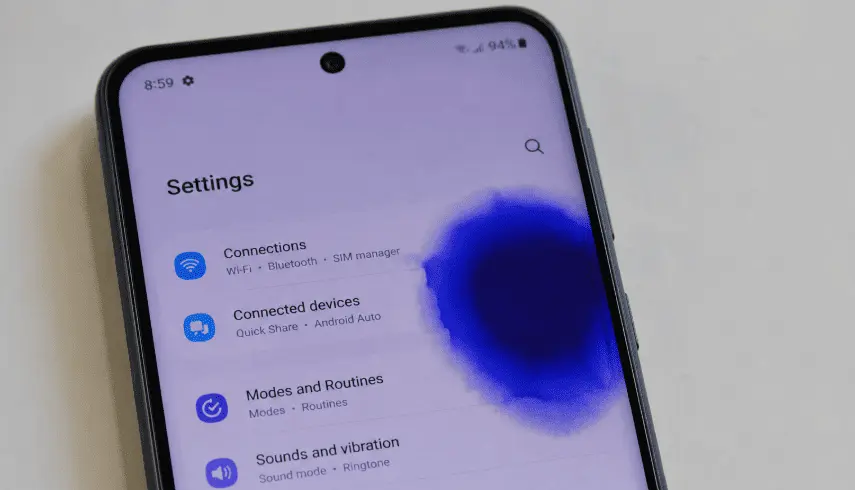
Blue Patch on Mobile Screen Suddenly Appeared? Try These Fixes Read More »
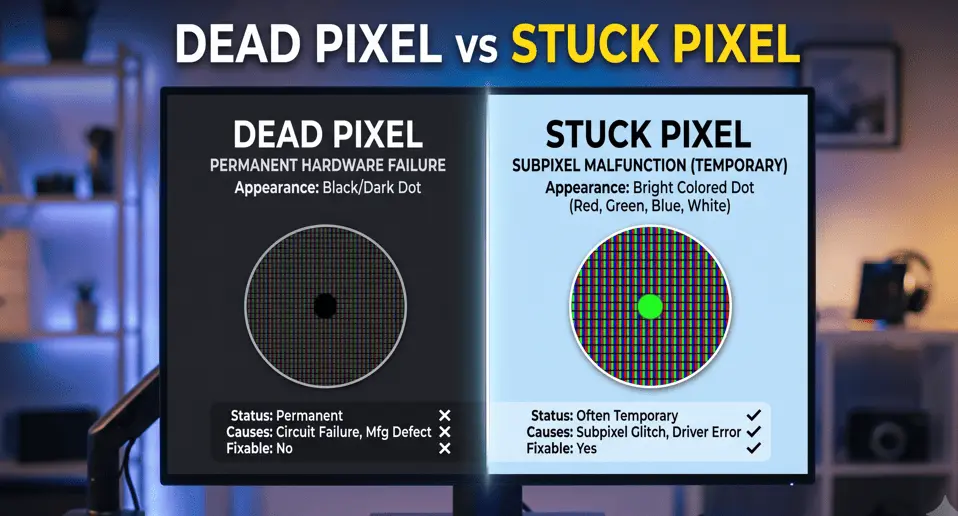
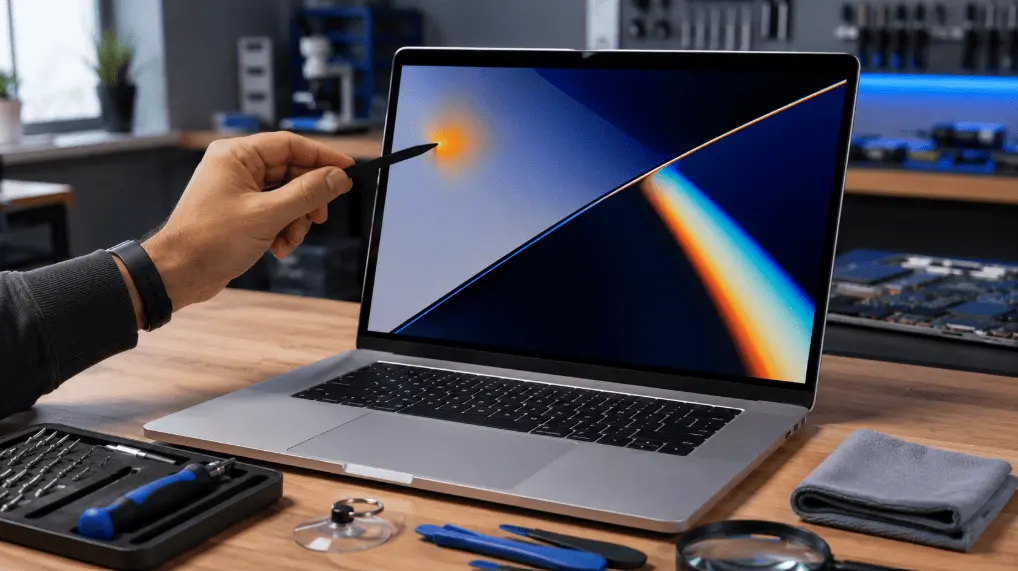
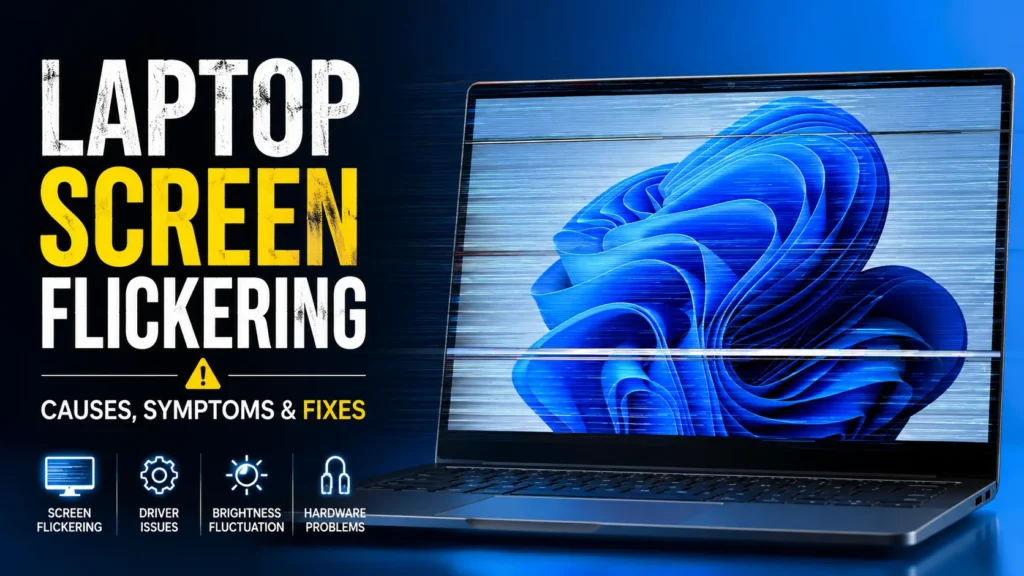
A flickering display, black screen, colored lines, dead pixels, screen tearing, or an unresponsive touchscreen can make using your laptop, desktop, or smartphone frustrating. While some display issues are caused by simple software glitches, others may point to hardware problems such as a damaged screen, loose display cable, faulty graphics driver, or failing GPU.
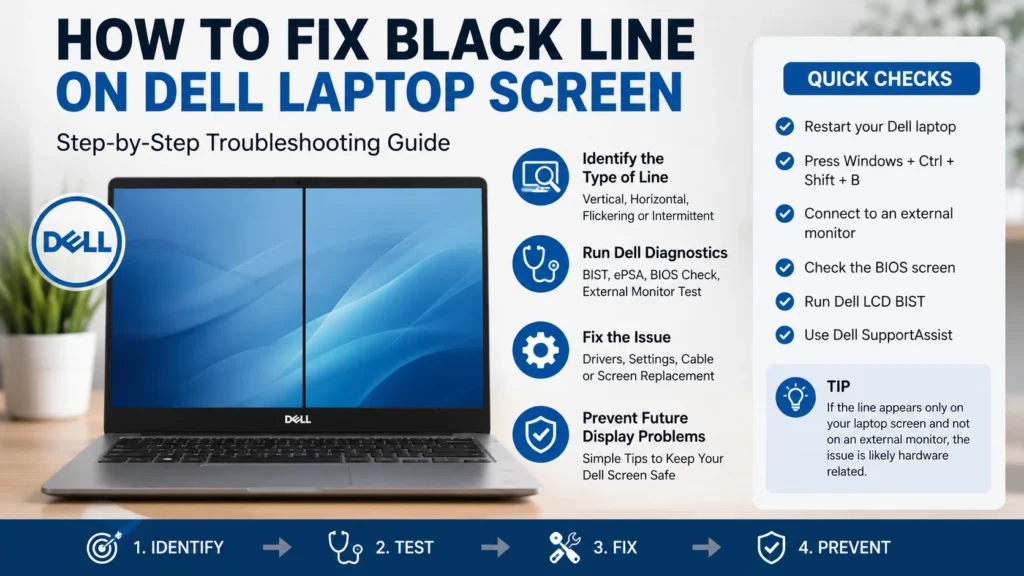
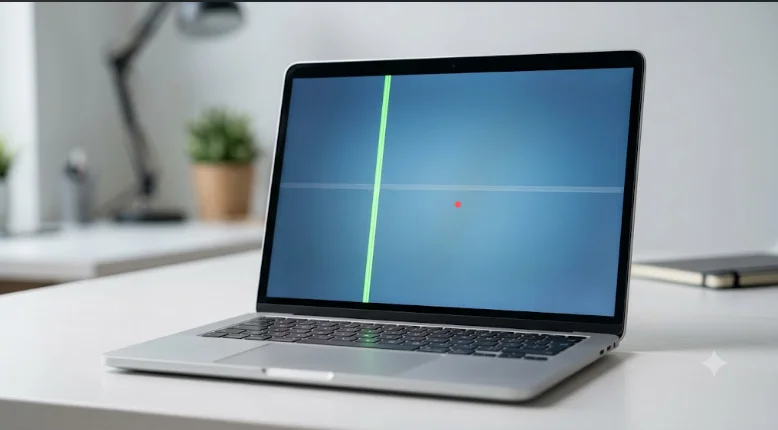
In this Screen & Display Problems hub, you’ll find step-by-step troubleshooting guides to diagnose and fix the most common screen-related issues across Windows laptops, desktop PCs, and Android and iPhone devices. Whether you’re dealing with black lines on a laptop screen, screen flickering, display discoloration, brightness problems, or touchscreen malfunctions, our easy-to-follow tutorials help you identify the root cause and choose the right solution.
Each guide is written for beginners and advanced users alike, covering practical fixes, preventive tips, and repair recommendations so you can restore your device’s display and get back to work quickly.